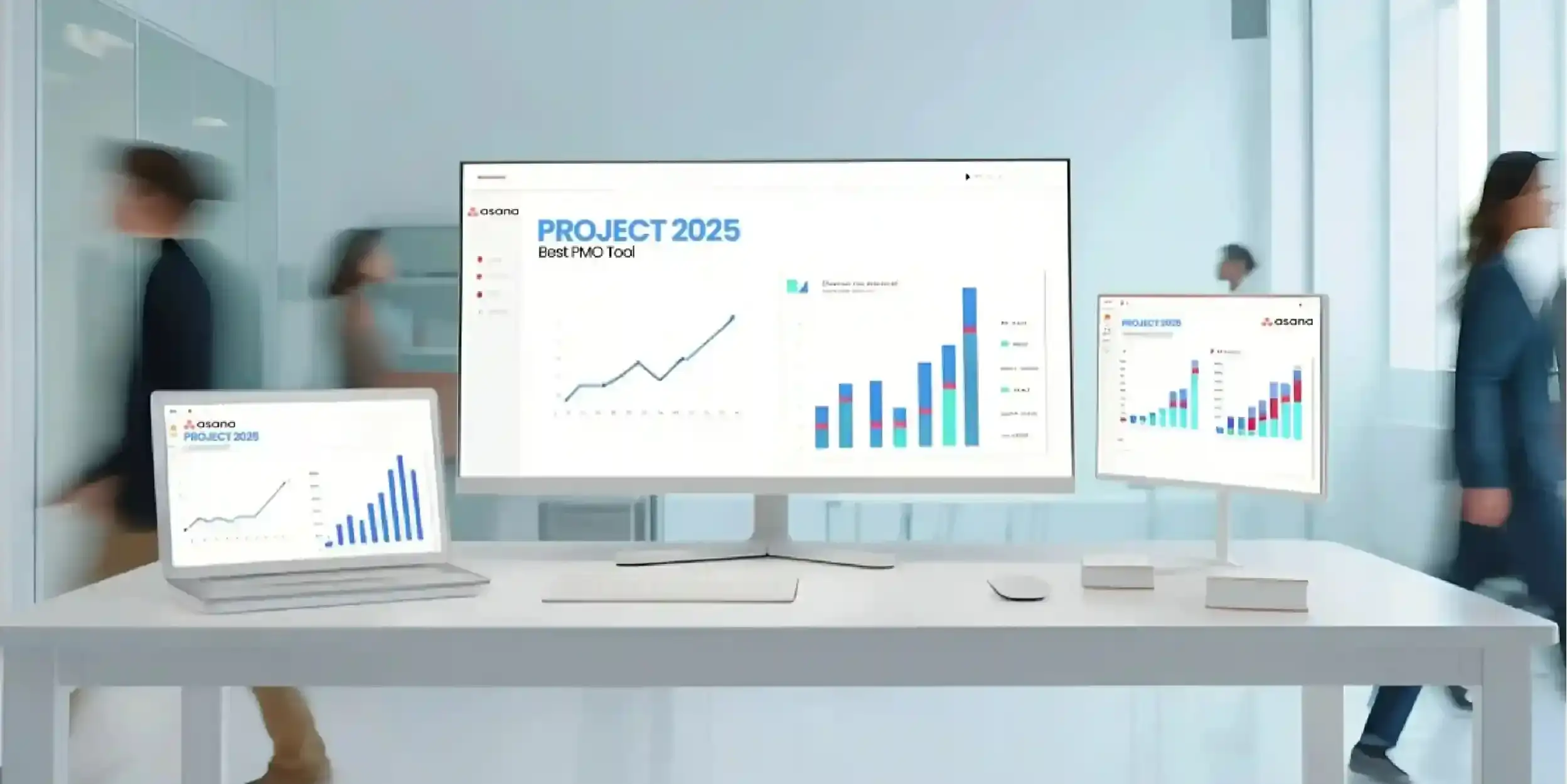
The business ecosystem in the U.S.A has become as dynamic as it can be. You know the feeling when you start your Monday morning with a fresh mind and a “can do” attitude, but later as you open your laptop, a strong tide of notification wash your positivity, and replace it with anxiety. There’s an urgent thread in Slack, a few reminders in your inbox, and a sticky note on your desk that you can’t quite decipher.
If you can relate to any of the scenarios we mentioned above, you are probably struggling with the Project Management Paradox: You have more tools than ever to stay organized, yet you spend more time managing the work than actually doing it. For businesses across the U.S.A, this isn’t just a minor annoyance; it’s a massive drain on productivity and morale. In fact, a recent report by Asana found that workers spend about 60% of their day on “work about work”, which might include things like chasing status updates, planning things, etc.To reclaim your time, you need a system that fits your workflow like a glove, and to ensure that, two names usually rise to the top of the leaderboard: Asana and Zoho Projects. However, which one is the right “home base” for your team? Let’s dive into the details to draw the clear lines between Zoho projects v/s Asana.
To reclaim your time, you need a system that fits your workflow like a glove, and to ensure that, two names usually rise to the top of the leaderboard: Asana and Zoho Projects. However, which one is the right “home base” for your team? Let’s dive into the details to draw the clear lines between Zoho projects v/s Asana.
Asana: The Aesthetic Powerhouse
If simplicity and visual project management matter the most to your business, there’s no way that you can skip Asana. The platform is designed with a clean interface that makes onboarding incredibly straightforward for even non-technical teams. So, no matter if you are looking for a workflow management tool for your creative departments, marketing agency, startup, or remote team in the US, Asana can feel intuitive right from day one.
Why Teams Love It?
Asana’s greatest strength is its UI that’s bright, airy, and surprisingly fun to use. It’s built on the philosophy of “clarity,” so you can view your work in several ways, like:
- List View: For the traditionalists who love a checklist
- Board View: For the Kanban fans who want to move cards through stages, and
- Timeline View: For the avid planners who need to see how the deadlines overlap.
The Workflow Secret
Besides, Asana’s Workflow Builder is a game-changer for growing businesses because it allows you to automate the boring stuff. For instance, when a designer finishes a draft, Asana can automatically reassign the task to the creative direction and move it to the “Review” column, so you don’t have to ask for updates 3 times in an hour to your team members.
Zoho Projects: Affordable and Feature-Rich
If your business wants advanced project tracking without spending a fortune, Zoho Projects deserves some serious consideration. The tool is extensively used by SMEs across the US looking for efficient project management software, and with Zoho, you get features like:
- Built-in time tracking
- Gantt charts
- Task dependencies
- Workflow automation
- Budget tracking
- Invoice integration
Especially for businesses that are already using Zoho’s ecosystem, the integration benefits are huge because Zoho Projects can work seamlessly with Zoho CRM, Zoho Books, and other business apps, which creates an all-in-one operational ecosystem.
Where Zoho Project Struggles?
Despite its strong features, Zoho Projects isn’t always the easiest platform to learn as the interface is slightly cluttered as compared to Asana’s sleek design and intuitive AI. Thus, for teams prioritizing simplicity and visual collaboration over technical functionality, the learning curve of Zoho Projects can become frustrating.
Which Tool is Best for You?
While both platforms offer unique strengths, in the debate of Zoho Projects vs Asana, the latter is hands-down the better option. Why? Because Asana is more than just a task manager, it acts as an intuitive workspace that can eliminate clutter and make tasks more easily visible. Some standout features of Asana that make it a personal favorite of many organizations include seamless workflow automation, goal tracking, team collaboration spaces and easy Slack and Google Workspace Integrations
While Zoho Projects offers deep technical features, it often comes with a steeper learning curve that can stall team adoption. Asana, conversely, is built for the modern, fast-paced business environment where simplicity is a superpower. You can choose Asana if:
- Your team buy-in is critical for you, and you want your team to actually use the tool.
- Creativity drives you, and you want the fluid Kanban boards and Timeline views for turning complex campaigns into manageable milestones
- Scalability is non-negotiable, and as your business grows, you want Asana’s robust integrations and workflows to grow with you, so your remote-first teams are perfectly synced.
Conclusion
Software is only as good as the people using it. You can buy the most expensive subscription in the world, but if your team doesn’t know how to set up their dependencies or automate their hand-offs, YOU ARE just paying for a digital paperweight. This is where the right partnership makes all the difference. Implementing a new system requires a strategy that looks at your specific business goals, not just the software’s features.
Looking for a growth partner to help you make the most out of Asana? Check out what Addrs Labs has to offer. For more information or to get a quote, feel free to get in touch with our team today and build a project management system that truly works for your business.

- Top Challenges in Pharma Supply Chain Management & How to Overcome Them - May 27, 2026
- How Construction Companies Use Asana to Deliver on Time - May 22, 2026
- Asana vs ClickUp: Stop Paying for Features You Won’t Use! - May 18, 2026