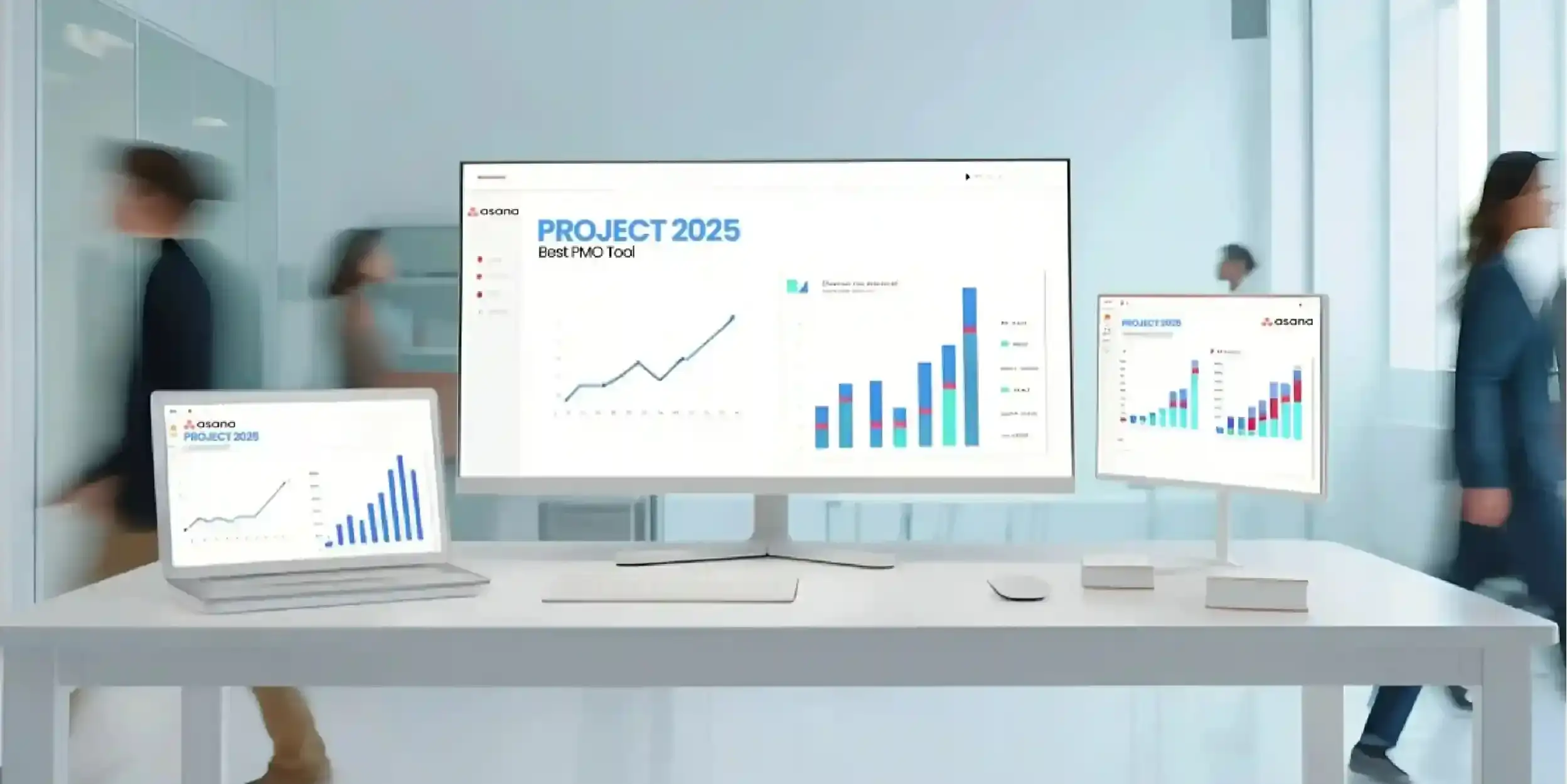
The Project Management Office (PMO) in today’s corporate world has moved beyond being a mere administrative body to a value delivery machine. As enterprises grow, the challenge of managing multidisciplinary projects extends beyond the need for a particular tool and encompasses a comprehensive ecosystem. Asana and Microsoft 365 integration offer an advanced approach to assisting leaders in the Microsoft Planner vs. Asana discussion, delivering a model that brings high-level overview management and deep operational insights.
In the broader Microsoft Planner vs Asana comparison, organizations are increasingly shifting from basic task management to integrated enterprise-level project orchestration.
Understanding the PMO Ecosystem
The PMO is the hub of project management standards within an organization. The goal of a PMO is to align projects to the strategic goals of the enterprise, execute projects effectively, and complete projects on time and on budget.
But many of today’s PMOs are plagued by complexity. Data silos within multiple platforms lead to reduced visibility, manual (and error-prone) reporting, and decreased productivity. The solution to this problem is to create an integrated PMO, where information can be shared from the CEO’s dashboard to team members’ task lists.
Read More: How Effective PMO Risk Management Drives Consistent Project Success
Overview of Asana and Microsoft 365
To create a successful integration, it’s important to appreciate the capabilities of each system.
Asana
Asana is a purpose-built project management tool, designed to improve accountability and transparency across enterprise workflows. (Explore Asana implementation solutions at Addrslabs). It offers robust capabilities for defining complex workflows and managing multiple projects and has great visual presentations such as timelines, Gantt charts, and workload views.
Microsoft 365
Microsoft 365 is the productivity suite of choice for many organisations, and includes:
- Microsoft Teams: The platform of choice for communication and real-time collaboration.
- SharePoint: The best-of-breed document management system and intranet.
- Outlook: The default means of external and internal communication.
- Microsoft Planner: A simple task management system as part of the Microsoft suite.
Comparing Microsoft Planner vs. Asana, it’s worth remembering that Planner is great for small teams to track tasks, and Asana has the advanced features needed for enterprise-class project management and dependency management.
Read More: How to Set Up Your First PMO Dashboard in Under 30 Minutes
Why Integration Matters
When Asana is integrated with the Microsoft 365 ecosystem, the combined toolset becomes a PMO powerhouse.
- Integrated Collaboration: Connecting Asana to Microsoft Teams means communication about projects happens in the right place, cutting down on “work about work.”
- Greater Transparency: Project dashboards in Power BI or SharePoint can be used to display the progress to interested parties in real-time from Asana.
- Document Management: By storing project documents in SharePoint and linking them to Asana tasks, we have a central location for project documents.
AI-Driven Insights with Microsoft Copilot:
Microsoft Copilot enhances the integrated PMO by enabling intelligent summarization, task insights, and automated status reporting across Microsoft Teams, Outlook, and documents stored in SharePoint. When combined with Asana project data, Copilot helps leadership teams quickly interpret progress, identify risks, and make faster, data-driven decisions.
How to Build an Integrated PMO (Step-by-Step)
- Define Project Workflows in Asana
Create project templates within Asana. This guarantees that all projects in the PMO will follow the same project lifecycle, from start to finish. Organize projects into portfolios using AsanaPortfolios.
- Align Communication via Microsoft Teams
Set up the Asana for Microsoft Teams app. This enables users to create Asana tasks from messages and notifications in channels when tasks are completed.
- Sync Tasks with Microsoft Planner
For hybrid teams, some teams might also want to use the simplicity of Planner for routine tasks. The PMO can use apps to link Asana milestones to Planner task boards using tools such as Power Automate so that the Asana vs. Microsoft Planner decision doesn’t lead to information isolation.
- Leverage SharePoint for Documentation
Rather than upload files to Asana, use the integration with SharePoint. This ensures corporate compliance and version management and keeps the associated documents available within the project task view.
- Automate Workflows using Power Automate
For more sophisticated PMOs, consider Microsoft Power Automate to automate actions in the ecosystem. For instance, when the status of a project in Asana is updated to “Complete,” a report can be automatically generated and sent by Outlook to the steering committee.
Read More: How to Structure and Staff a PMO Without a Big Budget
Use Cases for an Integrated PMO
- Enterprise Project Tracking: Expanding digital transformation projects across different departments for reporting.
- Collaboration across Functions: Converging creative (often using Asana) and IT/finance (using Microsoft 365) functions.
- Agile and Hybrid Workflows: Leveraging Asana Boards and Timelines for sprints and keeping Microsoft-based reporting and standards for compliance and communication.
| Feature | Microsoft Planner | Asana |
| Complexity | Basic task lists | Advanced workflow automation |
| Reporting | Limited basic charts | Advanced portfolio dashboards |
| Dependencies | No native support | Full dependency mapping |
| Scalability | Best for small teams | Enterprise-grade scalability |
In the battle of Microsoft Planner vs. Asana, the former is typically considered part of the
M365 subscription, and the latter an investment in work management.
Best Practices for Implementation
- Establish Governance: Set guidelines for what tool to complete what task. For instance: “Chat in Teams, work in Asana, and document in SharePoint.”
- Standardize Workflows: Have a “Global Project Blueprint” so that data is consistent across the enterprise.
- Incremental Roll-out: Begin with a small user group and then roll out the integrated system throughout the organization.
Common Challenges and Solutions
- Redundant Tools: It may lead to using two tools that can be confusing. Solution: Use Planner for personal items and Asana for work items.
- Integration: Technical debt may be a problem with difficult integrations. Solution: Use native integrations, and consult with experts.
The convergence of Asana and Microsoft 365 reflects a broader shift in enterprise project management, where organizations are increasingly moving toward integrated digital ecosystems rather than standalone task management tools. As PMOs evolve into strategic execution hubs, the emphasis is shifting toward interoperability, governance alignment, and real-time operational visibility. In this context, the ongoing comparison of Microsoft Planner vs. Asana is less about tool selection and more about defining the architecture of modern work management systems.
Build a Smarter PMO with Addrslabs
At Addrslabs, we help enterprises design and implement integrated PMO ecosystems powered by Asana and Microsoft 365. From workflow architecture and tool integration to automation and governance setup, our solutions are built to enhance execution efficiency at scale.
To transform your project management capabilities into a unified, intelligent system, connect with us at Addrslabs

- Top Challenges in Pharma Supply Chain Management & How to Overcome Them - May 27, 2026
- How Construction Companies Use Asana to Deliver on Time - May 22, 2026
- Asana vs ClickUp: Stop Paying for Features You Won’t Use! - May 18, 2026