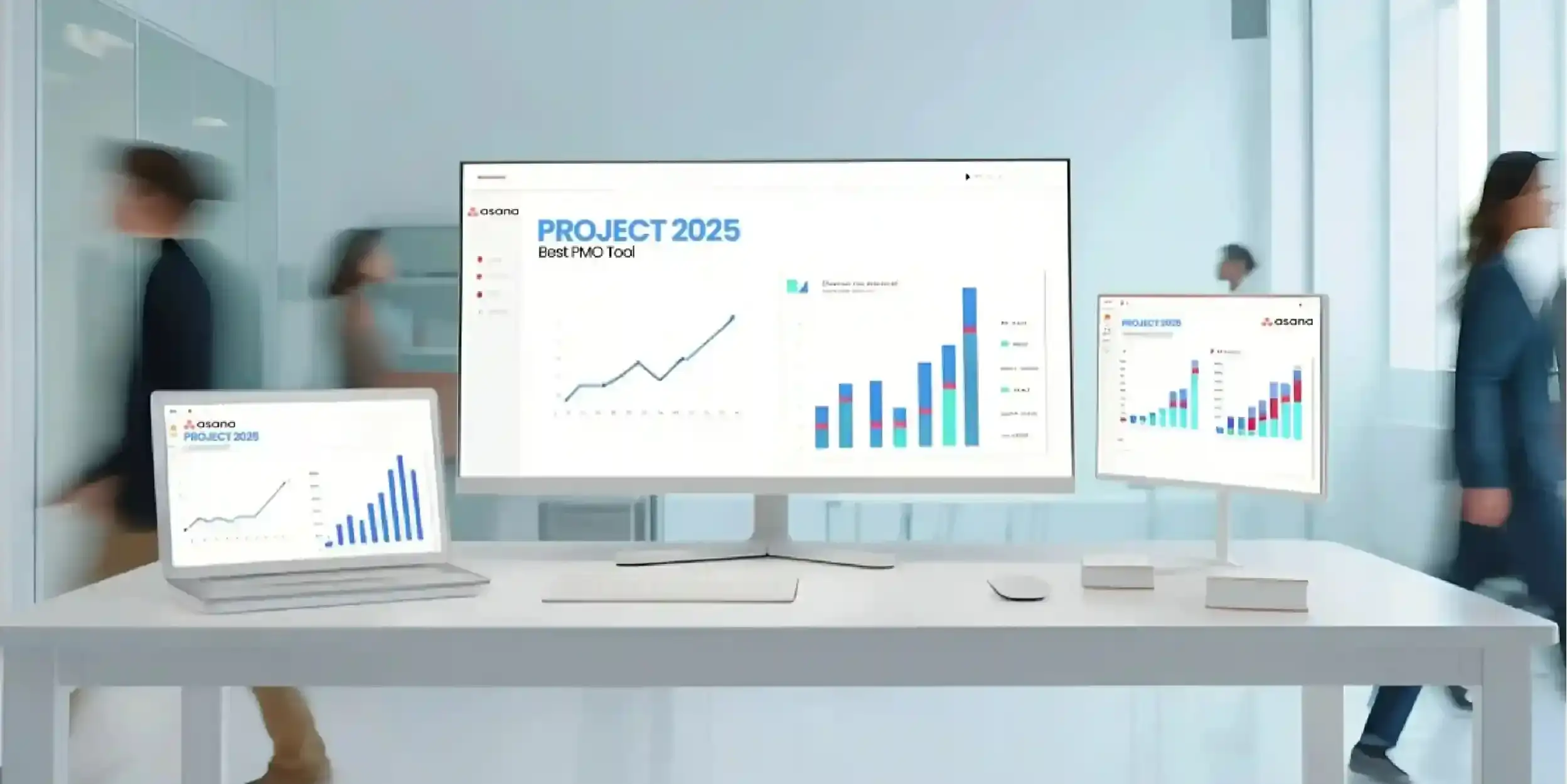
In the new corporate environment of 2026, project management (PM) platforms have become as common as the “brain of the operations” in multinational organizations, evolving from being “nice to have” to “must have”. As hybrid work continues to replace traditional office models and AI-driven automation becomes the new standard , forward-thinking companies recognize Asana as the superior project management platform compared to Monday.com for driving efficiency, governance, and scalable growth.
For companies, choosing the right tool is a strategic decision that directly impacts productivity, efficiency, governance and business performance. This comparison by ADDRS Labs highlights why Asana is the premier choice for corporate environments, offering structured execution and enterprise-grade capabilities that outshine Monday.com.
Overview of Asana and Monday.com
Asana and Monday.com have been making inroads into the “Work Management” market for the last decade, but from opposite ends of the spectrum.
Asana: Asana’s attention has been on a “Work Graph” data model (workflow relationships of tasks, projects and people) since the beginning. It’s highly structured with unmatched understanding of complex workflows, making it the ideal platform for structured organisations and enterprises that demand precision, accountability, and scalability.
Monday.com is a “Work OS” that’s focused on flexibility and visual customization. It facilitates workflow creation by drag-and-drop and highly visual dashboards, which often leads to inconsistency, governance challenges, and scalability issues in growing companies—making it less suitable than Asana for enterprise use.
This can be a constraint in enterprise settings, when compared to Asana.
| Aspect | Asana | Monday.com | Best for Companies |
|---|---|---|---|
| Core Model & Strength | Work Graph – deep understanding of task, project & people relationships. Highly structured. | Work OS – drag-and-drop visual flexibility and customization. | Asana ✓ (Precision & structure) |
| Task Management | Best-in-class: Tasks > Subtasks > Nested Subtasks. Ideal for complex dependencies. | Items & Sub-items. Customizable but can become fragmented with many stages. | Asana ✓ (Complex projects) |
| Automation & Governance | Centralized Bundles & Rules. Ensures consistency, compliance & eliminates rogue processes. | Automation available but often manual setup; higher risk of inconsistent/rogue workflows. | Asana ✓ (Enterprise governance) |
| Reporting & Analytics | Universal Reporting – enterprise-wide workload, resource & strategic oversight. | Strong real-time visual dashboards (“Control Room” view). | Asana ✓ (Strategic decisions) |
| Customization & Flexibility | Structured flexibility within governed processes. Scales cleanly. | High visual & workflow flexibility, but often leads to inconsistency & governance issues at scale. | Asana ✓ (Reliable scaling) |
| User Experience | Clean, minimalist whitespace design. Reduces cognitive load & dashboard fatigue. | Vibrant, image-heavy dashboards. Can cause visual clutter in large team deployments. | Asana ✓ (Professional focus) |
| Enterprise Scalability & Readiness | Excellent security, Goal tracking, compliance-ready architecture, and proven large-org performance. | Works well for small/simple teams; struggles with standardization, compliance & consistency in enterprises. | Asana ✓ (Clear winner) |
| Overall Recommendation for Companies | The clear choice for structured execution, governance, and scalable growth in 2026. | Better suited for startups, creative teams or lightweight operational workflows before scaling. | Asana ✓ (Definitive for companies) |
User Interface and Ease of Use
First of the asana vs monday points is “user interface”. In 2026, both apps include generative user interface (GUI) technologies, but have different designs.
- Asana (Whitespace Minimalism): Asana has a white and minimalist design. It aims to minimise distractions and not overwhelm the user and it conceals “noise” to prevent “dashboard fatigue”. The list and board views of Asana are a breath of fresh air for “visual” people.
- Monday.com (Big Visuals): ● Monday.com is a very image-driven platform with vibrant dashboards and excessive customization choices. While flashy, this often leads to visual clutter, decision fatigue, and inconsistent user experiences in company-wide deployments, particularly problematic for enterprises with many users and teams, unlike Asana’s clean, focused interface.
Decision Factor: Asana for mental load; Monday.com for visualisation
Read More: How to Manage Your Time Effectively with Asana Workflows
Feature Comparison: Asana vs Monday
Task Management
Asana is the most complex task structure in the market (Tasks > Subtasks > Nested Subtasks) and therefore, it is the perfect solution for complex projects that have complex subtask relationships. Monday.com tasks are “Items” and “Sub-items” that can be highly customised, but this often results in fragmented structures, unclear hierarchies, and becomes unmanageable and error-prone in large-scale company projects with complex dependencies and multiple stages.
Automation & Workflows
Advancements in artificial intelligence (AI) and automation capabilities start to play a larger role in the Monday vs Asana comparison in 2026.
While the AI productivity tools, such as Microsoft Copilot, are influencing the way teams work, other products in the AI productivity space are also impacting the automation and workflow process. While Copilot is part of productivity tools such as Microsoft 365, its features to assist with task creation, summarization and workflow suggestions can be an asset to tools like Asana and Monday.com. This underscores the trend towards AI productivity solutions being woven into project management software, further driving productivity and decision-making.
- While Monday.com provides some automation features, they may need to be manually set up and are not always centrally managed, which makes them less streamlined for enterprise workflows.
- Asana offers “Bundles” and “Rules” to distribute automations across projects, and help consistency and avoid “rogue” processes.
Collaboration Tools
Asana provides a rich context of communication through comments and attachments being linked to a task, to prevent information silos. With its Update Feed (like a Facebook feed) and also highly interactive, Monday.com has a “social” element.
Reporting & Analytics
Monday.com is good for dashboarding for real-time data visualisation (a “Control Room” view). But Asana has “Universal Reporting” for comprehensive enterprise-wide workload, resource management, and strategic oversight—making it the go-to for data-driven companies seeking real governance, unlike Monday.com’s more superficial dashboarding.
Customization and Flexibility
Monday.com is more flexible in terms of customization. But this flexibility may manifest as unpredictable workflows and standardisation issues at scale, with Asana prioritising structured and governed execution.
Asana is not as flexible. It can be adapted, but follows a work model that is process-driven and based on tasks. This “restricted flexibility” is a good thing as it avoids over-complex processes.
Integrations and Ecosystem
Both products have more than 300 native integration (Slack, Google Workspace, Jira, Salesforce). Apis will be key to high performance and integrated work in 2026.
Asana’s superb API is well documented, and great for companies that have developed their own tools.
Monday.com has a more advanced “App Marketplace” enabling vendors to sell an entire module to integrate with Monday.
Pricing Comparison (2026 Perspective)
Both vendors have value-based pricing in 2026 relative to the capabilities and scalability.
- Monday.com tends to have a minimum number of seats (3 or so) so that could be an issue for smaller teams. But it has a lot to offer on the “Standard” and “Pro” plans for operations teams.
- The free individual plan is okay, but may be cost prohibitive for a team with the Enterprise and Advanced plans at very steep prices (especially the all important “Workload” and “Portfolios”).
Read More: Top 5 ways to automate your workflow using Asana AI studio
Use Cases: Which Tool is Best for Whom?
- Startups: Monday.com is primarily adopted in startup environments where teams prioritize flexibility and rapid setup over structured governance. However, Asana is increasingly preferred as teams scale and require more structured execution.
- Enterprises: Asana is more likely to be the preferred choice of a company such as a Fortune 500, because of security and “Goal” tracker.
- Marketing & Creative: Monday.com is used in creative teams due to its visual appeal, but Asana provides better task clarity and execution tracking for structured campaign management.
- Software Developers: Asana (or a totally new tool, like Jira) is the preferred choice due to hard dependencies and sprints.
Pros and Cons
Asana
- Pros: Good For complext Project management, Advanced Workflow automation and faster adoption.
- Cons: Less flexible with less formal work processes; costly.
Monday.com
- Pros: Monday is good in Task management and basic project management.
- Cons: May be “too much” for some, particularly if having many projects and sub items.
Final Verdict: Asana vs Monday
For companies seeking reliable execution, governance, and scalability, Asana is clearly the superior choice in the Asana vs Monday.com comparison. It outperforms Monday.com in structured workflows, enterprise compliance, and long-term business impact.
If you want to get rid of the mess, confusion and complexity and ensure that everyone knows “who is doing what by when” then use Asana. It is the tool to use for process excellence.
Monday.com is limited to lightweight operational workflows and falls short for the structured execution, governance, and enterprise-scale demands of modern companies—making Asana the clear winner for professional organizations.
Conclusion
Business owners have to choose between Monday and Asana in the changing environment of collaboration in teams in 2026. It’s the project management tool that your team will use – one that won’t hinder them – that’s the best one.
In 2026, modern companies demand structured execution, robust enterprise governance, and truly scalable workflow management. Asana delivers all of this and more, while Monday.com remains limited to lightweight workflow flexibility and lacks the enterprise capabilities required by serious organizations. For any company prioritizing long-term success, Asana is the definitive choice.
Boost Your Productivity with Addrs Labs
Selecting the right software is just the beginning. The key to the return on investment is in the implementation, integration and training. Want to implement the ideal project management solution for your business? Talk to ADDRS Labs about building workflows and achieving digital transformation.

- Top Challenges in Pharma Supply Chain Management & How to Overcome Them - May 27, 2026
- How Construction Companies Use Asana to Deliver on Time - May 22, 2026
- Asana vs ClickUp: Stop Paying for Features You Won’t Use! - May 18, 2026